


Project Overview
Sales Savvy is a scalable e-commerce web application designed to help small and medium-sized businesses manage and grow their online sales efficiently. The platform provides a user-friendly interface for customers to browse products, place orders, and track purchases, while also offering a powerful admin panel for managing products, users, and orders.
The system includes secure payment integration using platforms like Razorpay, ensuring safe and reliable online transactions. Built with a scalable architecture, Sales Savvy allows easy addition of new features as business requirements grow.
Key Highlights:
i) Admin panel for managing products, users, and orders
ii) Customer interface for browsing, shopping, and order tracking
iii) Secure payment integration (Razorpay/Stripe/PayPal)
iv) Scalable and maintainable system design
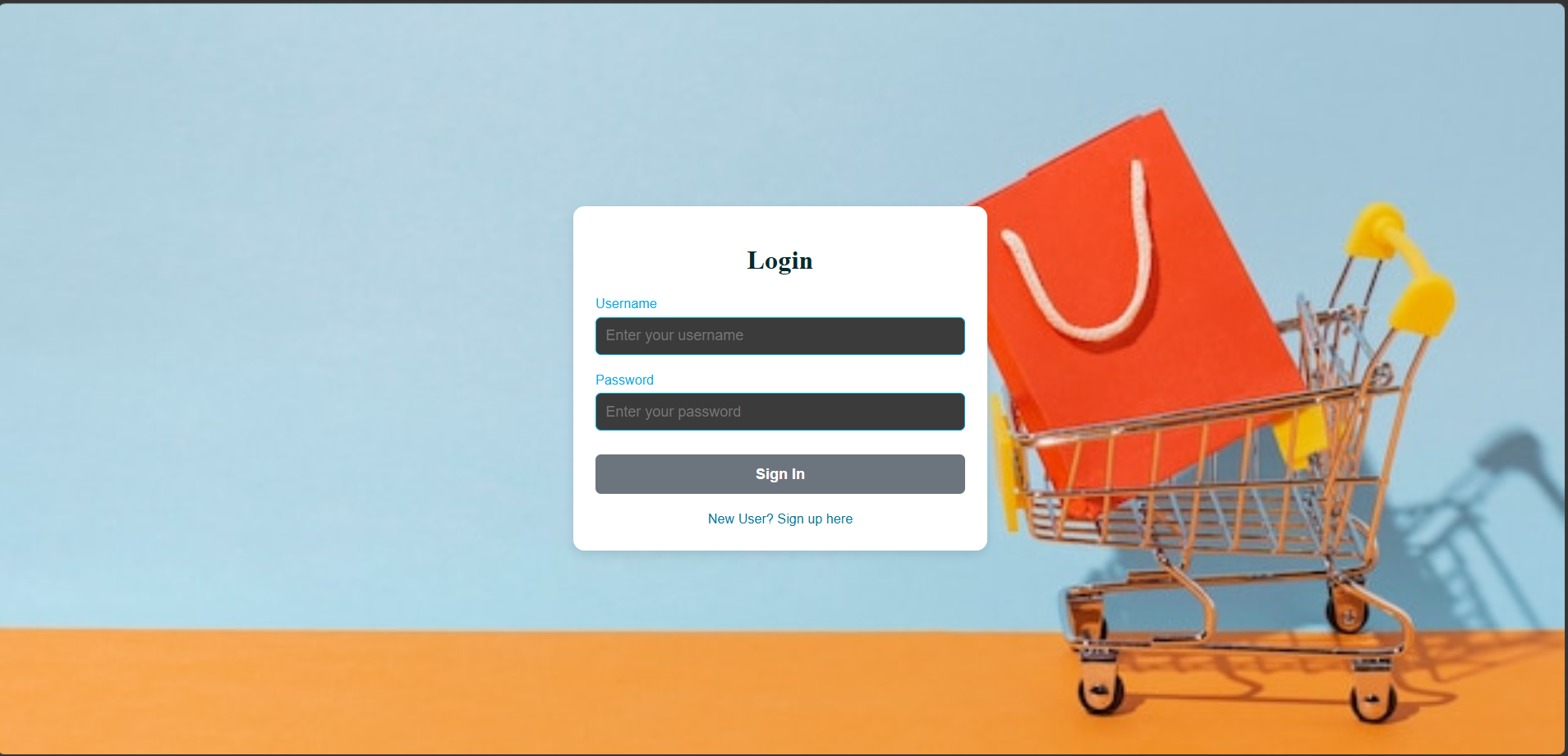
Login Page:
A responsive and user-friendly login interface that allows users to securely access the application by entering their username and password, with an option for new users to register.
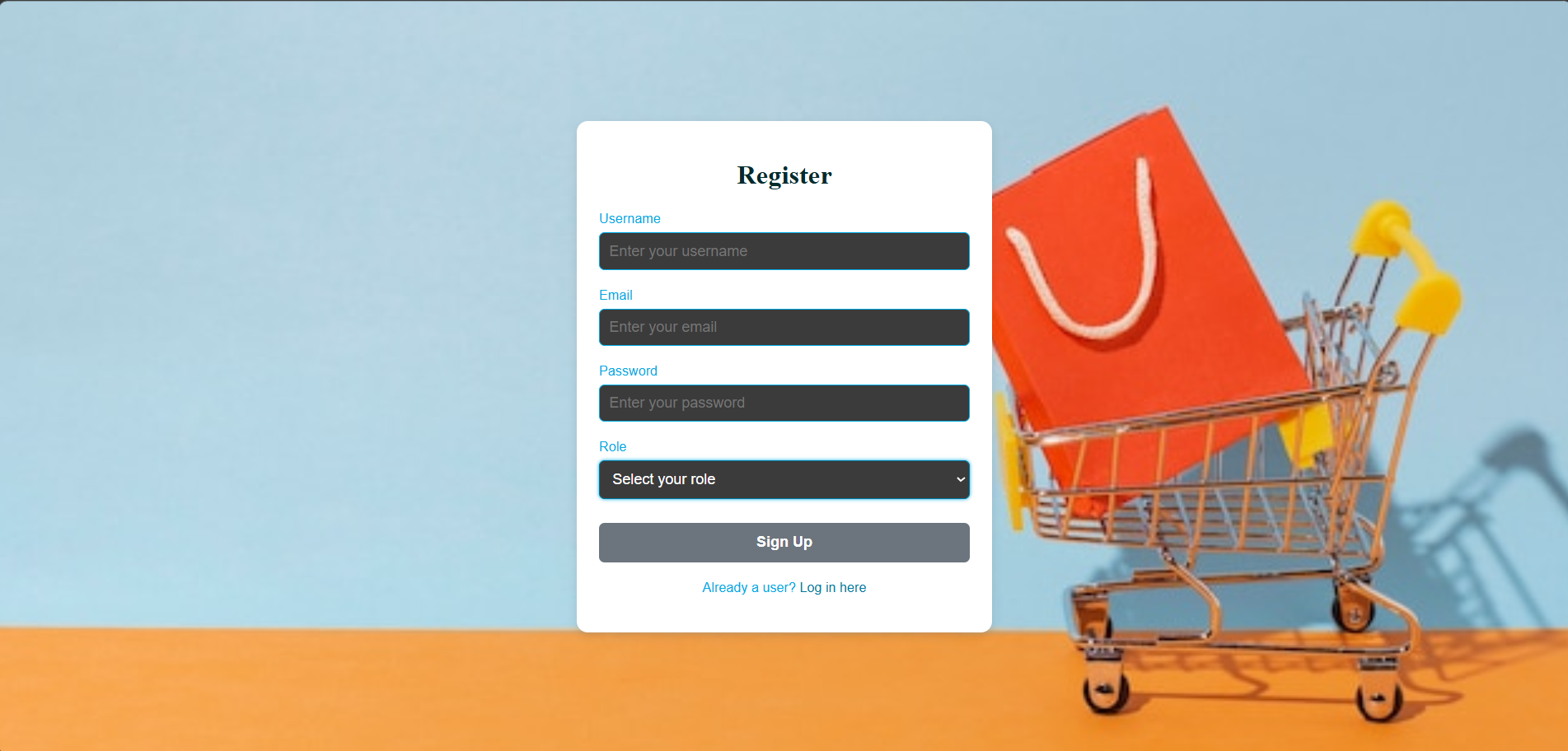
Register Page:
A responsive user registration interface designed to onboard new users into the application. It includes input fields for username, email, password, and role selection, allowing users to create an account easily. The page features a clean card-based layout with an attractive background, ensuring a smooth and user-friendly experience. It also provides a navigation option for existing users to log in, making the process simple and intuitive.
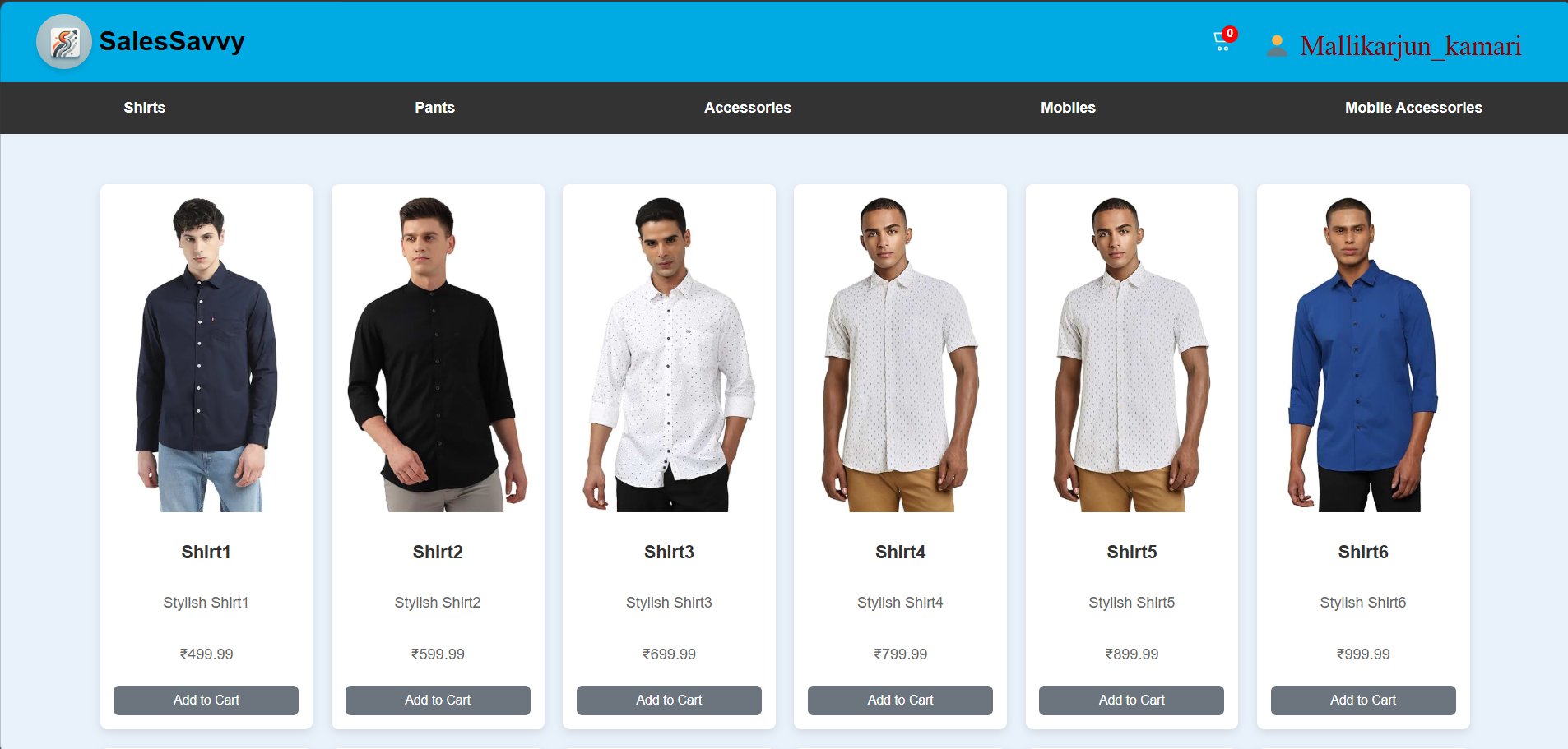
Product Listing Page:
This page displays a collection of products in a clean and responsive grid layout, allowing users to browse items easily. It includes categories such as shirts, pants, accessories, and mobiles for quick navigation. Each product card shows the product image, name, description, price, and an “Add to Cart” button for seamless shopping. The header includes branding, user profile, and cart indicator, providing a complete and user-friendly e-commerce experience.
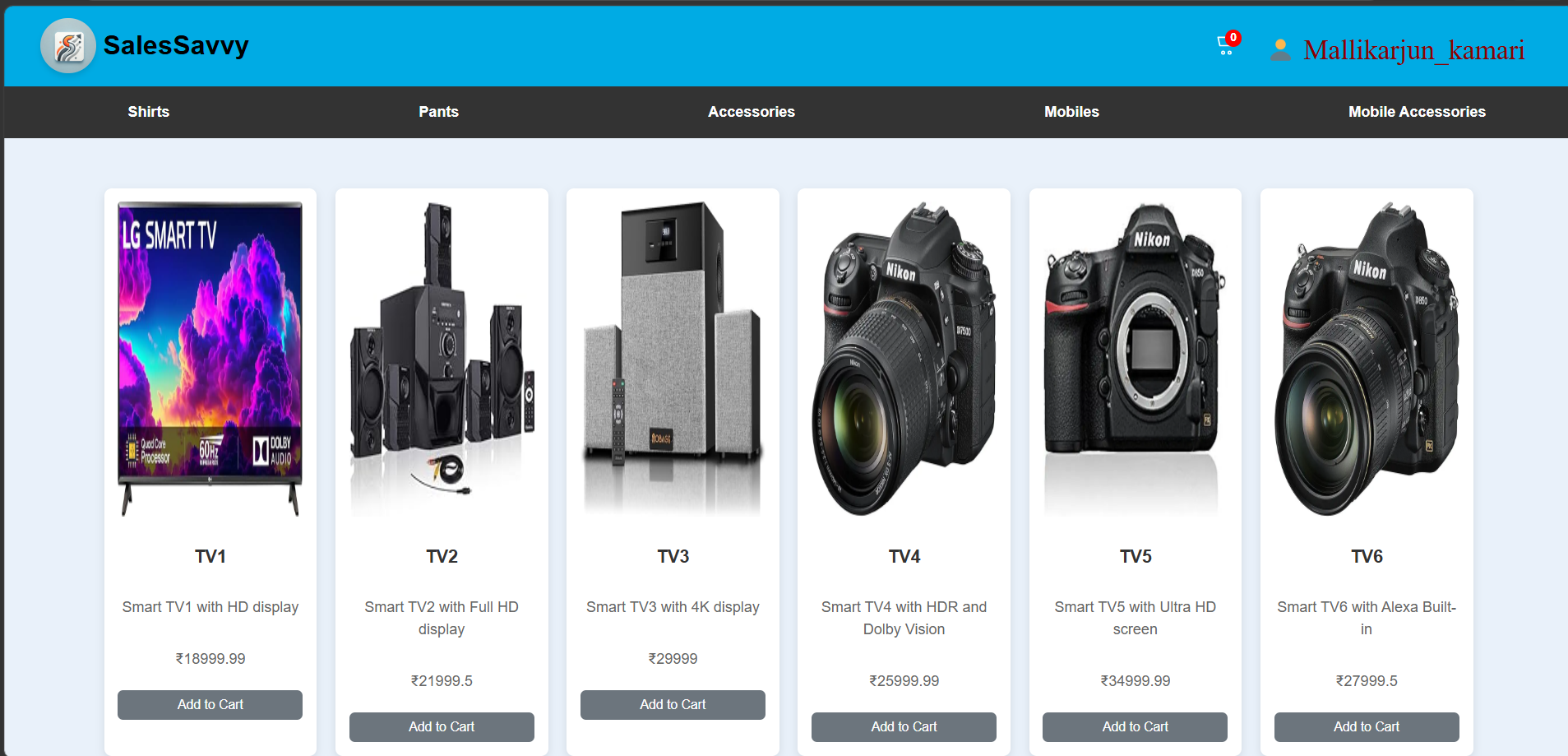
Electronics Product Listing Page:
This page showcases electronic products such as TVs and cameras in a structured and responsive grid layout. Users can easily browse through different items with clear product images, names, descriptions, and prices. Each product card includes an “Add to Cart” button for quick purchasing. The navigation bar allows users to switch between categories like shirts, pants, accessories, and mobiles, while the header displays branding, user profile, and cart status for a complete shopping experience.
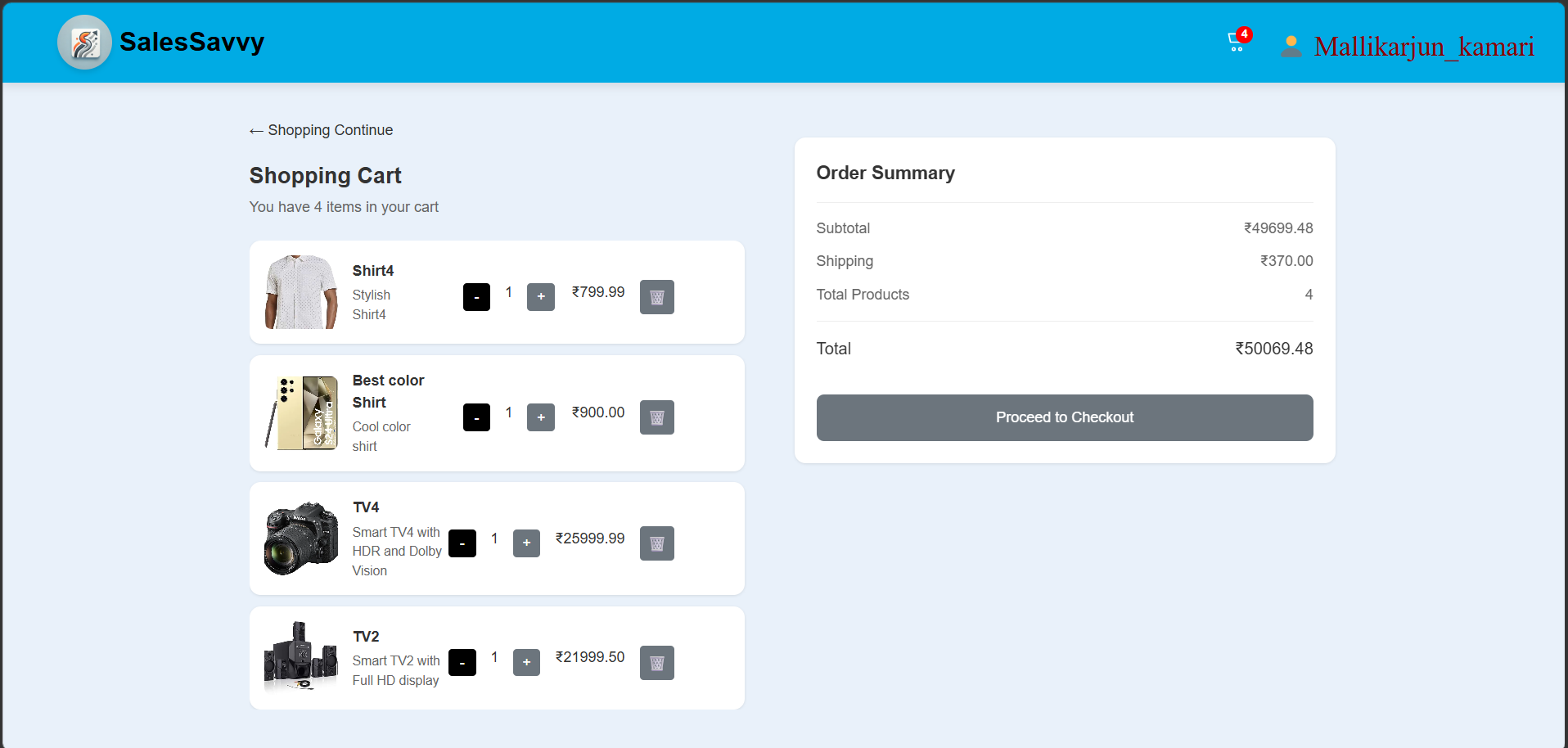
Shopping Cart Page:
This page allows users to review and manage the items added to their cart before proceeding to checkout. It displays each product with its image, name, description, price, and quantity controls for easy updates. Users can increase or decrease item quantities or remove products from the cart. An order summary section provides details such as subtotal, shipping cost, total number of products, and the final payable amount. A “Proceed to Checkout” button enables users to continue with the purchase process, ensuring a smooth and user-friendly shopping experience.
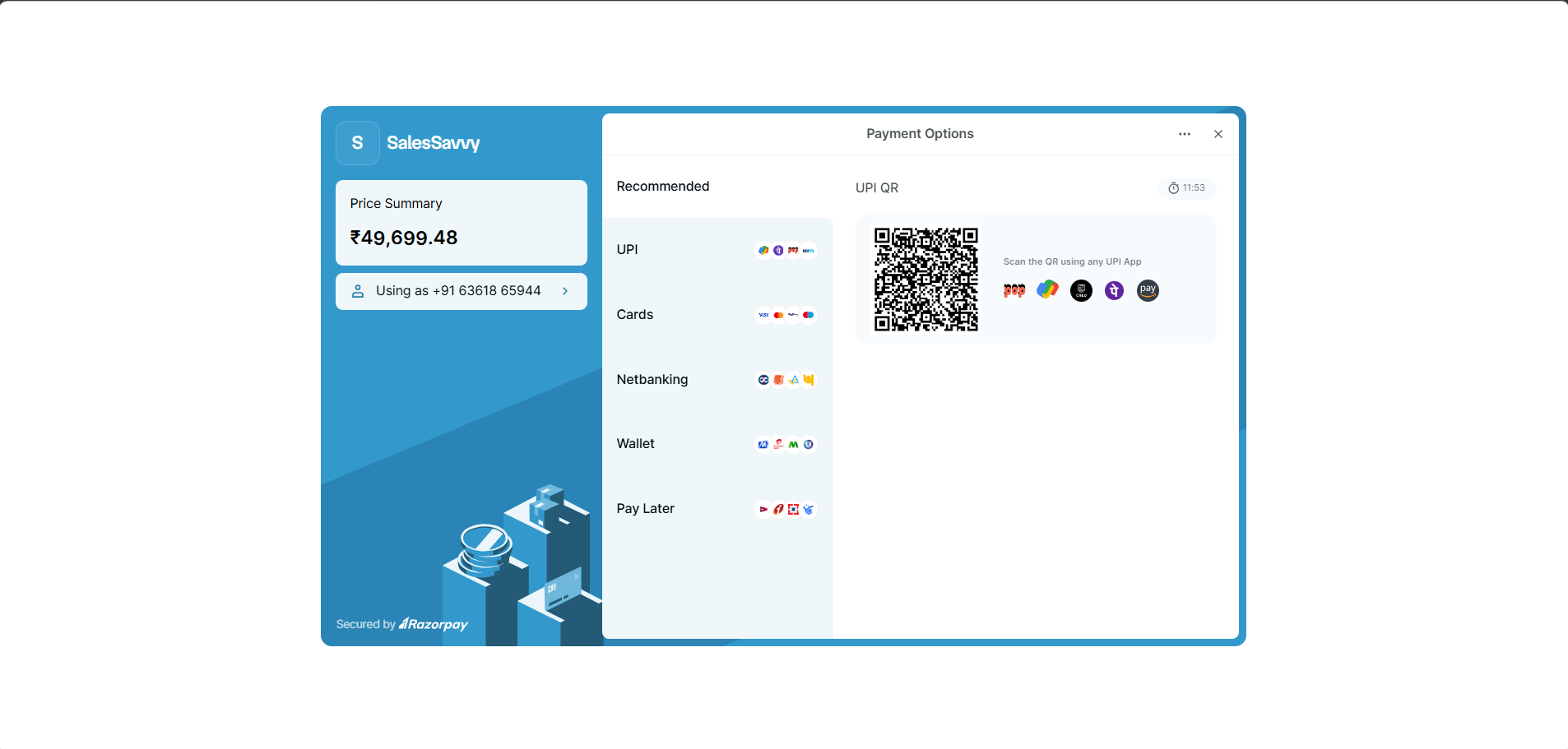
Payment Page:
This page provides a secure and seamless payment interface for completing orders. It displays the total amount along with a price summary and allows users to choose from multiple payment options such as UPI, cards, net banking, wallets, and pay later services. The integration with Razorpay ensures safe and reliable transactions. Users can complete payments easily using options like QR code scanning or preferred payment methods, offering a smooth and flexible checkout experience.
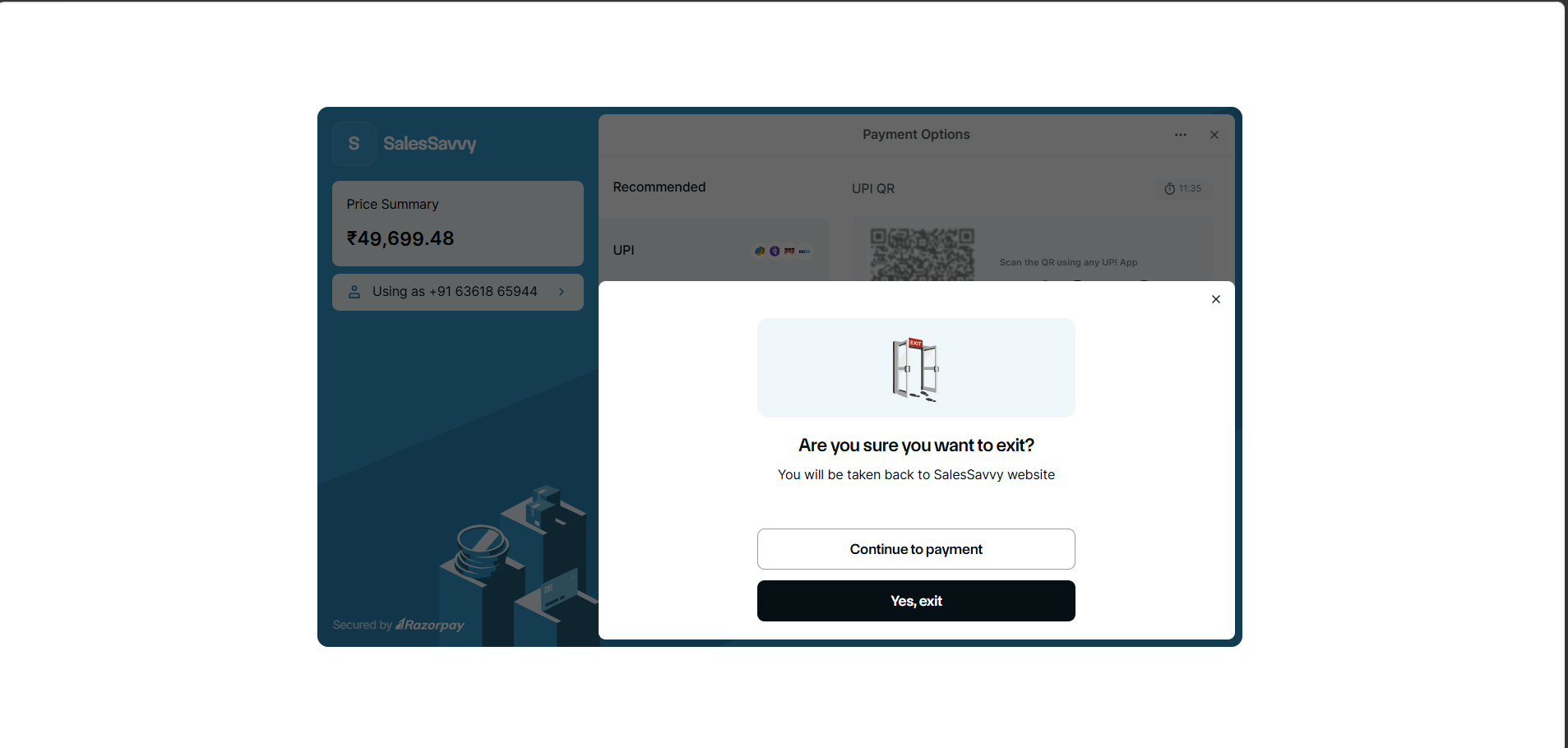
Exit Confirmation Popup:
This popup appears when a user attempts to exit the payment process, ensuring that the action is intentional. It prompts the user with a confirmation message and provides options to either continue with the payment or exit and return to the SalesSavvy website. This feature helps prevent accidental interruptions during transactions and improves the overall user experience by offering clear navigation choices.
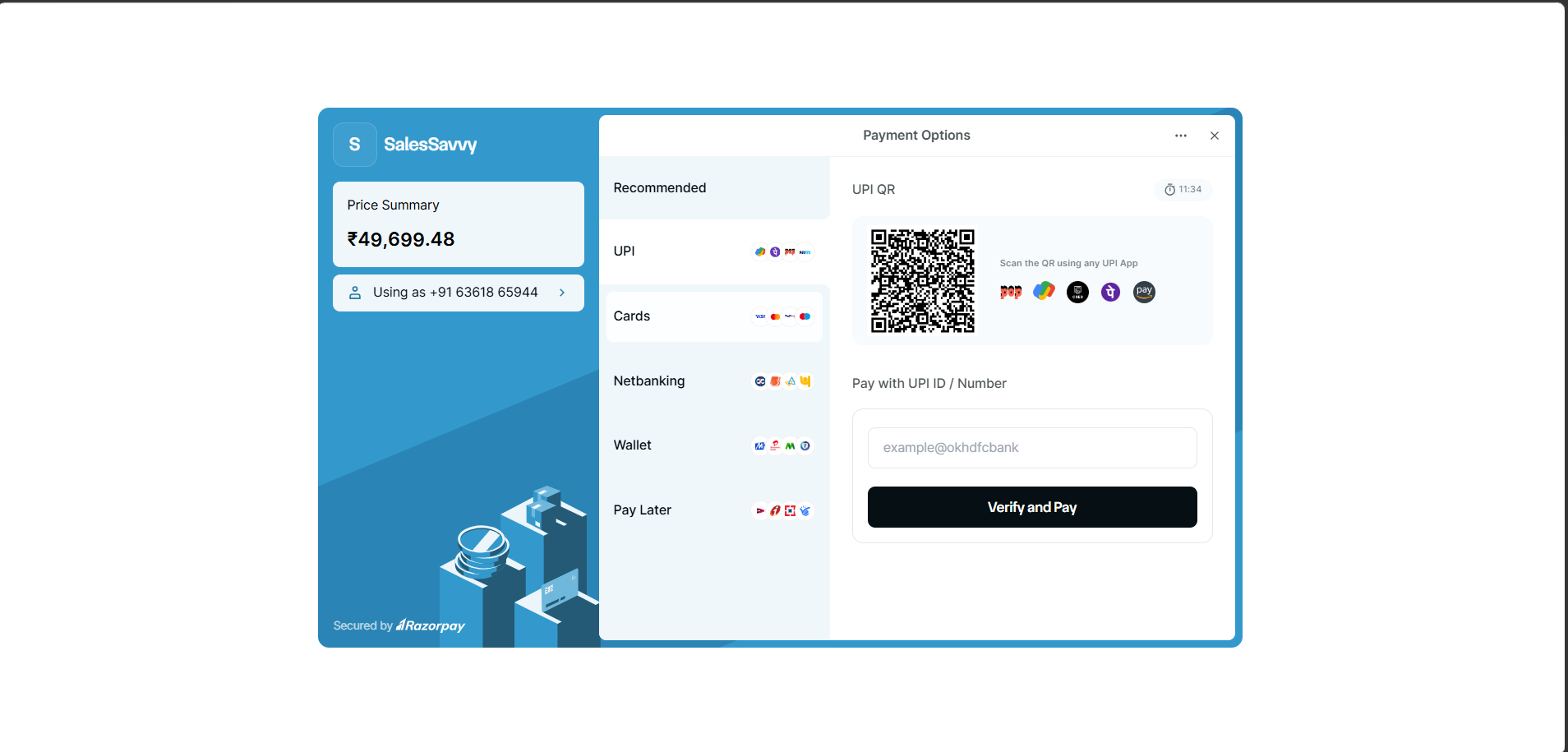
Payment Options Page: This page allows users to select their preferred payment method to complete the transaction securely. It provides multiple options such as UPI, cards, net banking, wallets, and pay later services. Users can choose UPI by scanning a QR code or entering their UPI ID for quick payment verification. The page also displays a clear price summary and user details, ensuring transparency and ease of use. Integration with Razorpay ensures secure, fast, and reliable payment processing.
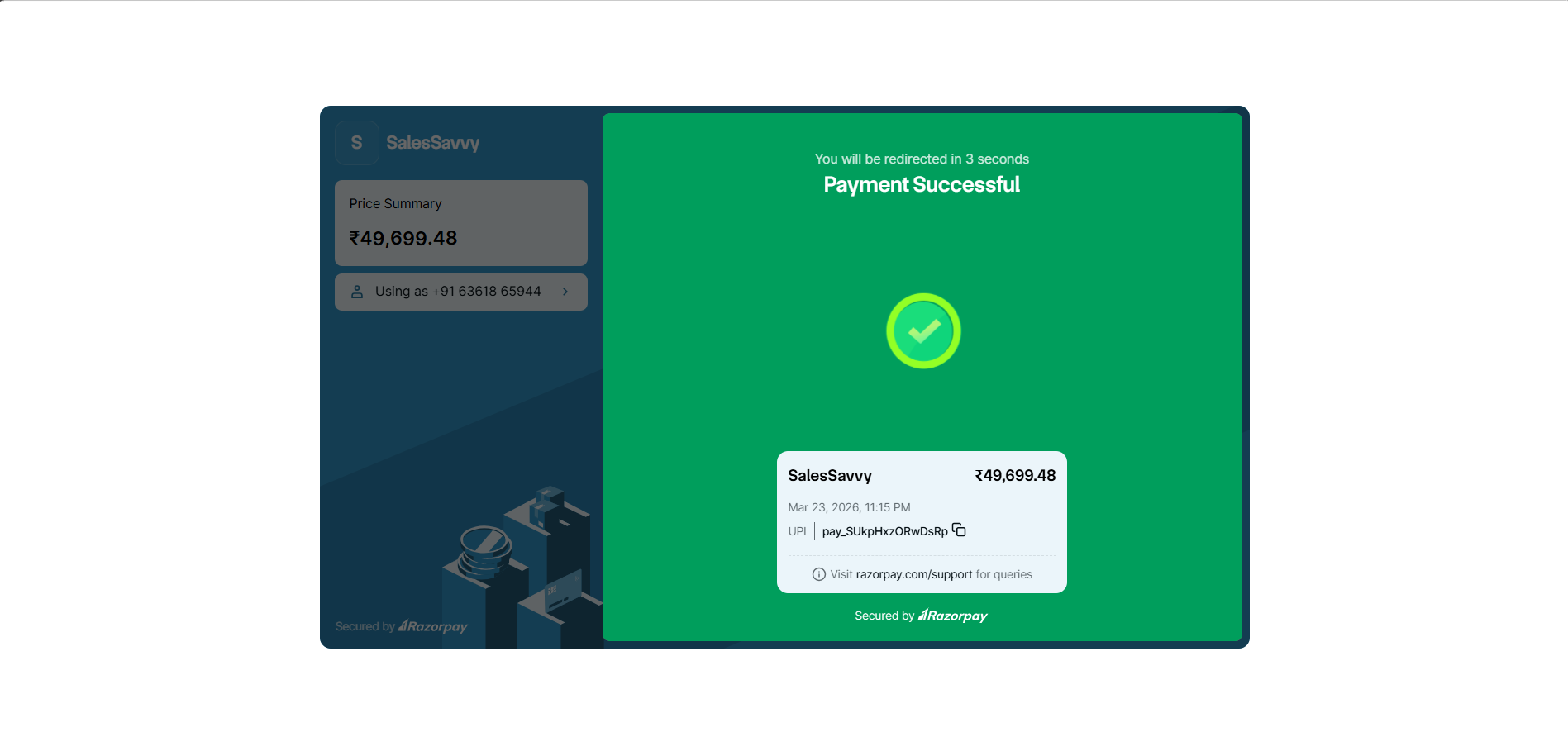
Payment Success Page:
This page confirms that the user’s payment has been completed successfully. It displays a success message along with transaction details such as amount, date, and payment reference. A visual confirmation (checkmark icon) enhances user trust, and the system automatically redirects the user back to the application after a few seconds. The integration with Razorpay ensures secure and reliable payment processing, providing users with a smooth and reassuring checkout experience.
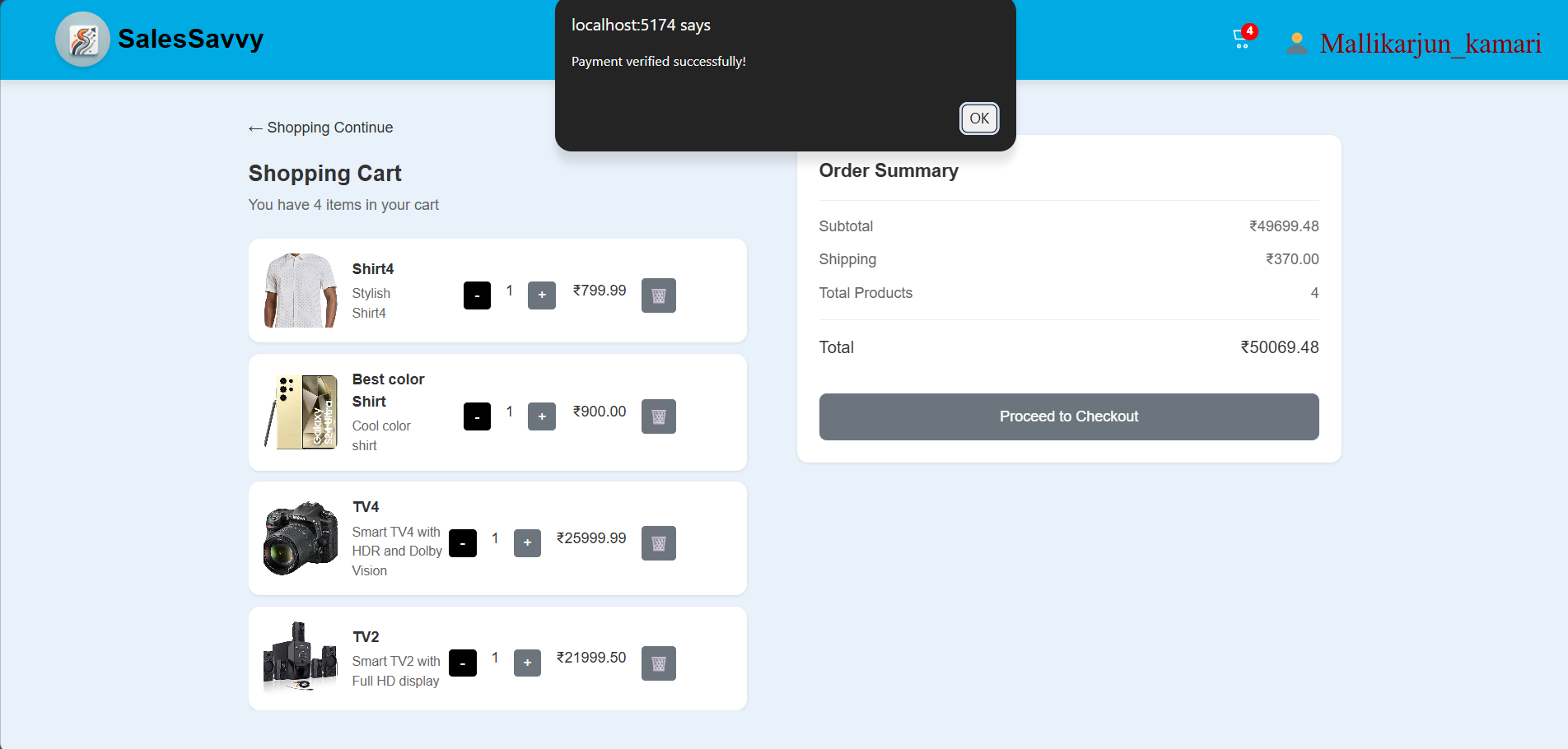
Payment Verification Alert:
This alert message confirms that the payment has been successfully verified after the transaction process. It provides immediate feedback to the user, ensuring that the payment was completed securely and correctly. This verification step enhances trust and prevents confusion by clearly notifying the user about the successful transaction status before proceeding further.
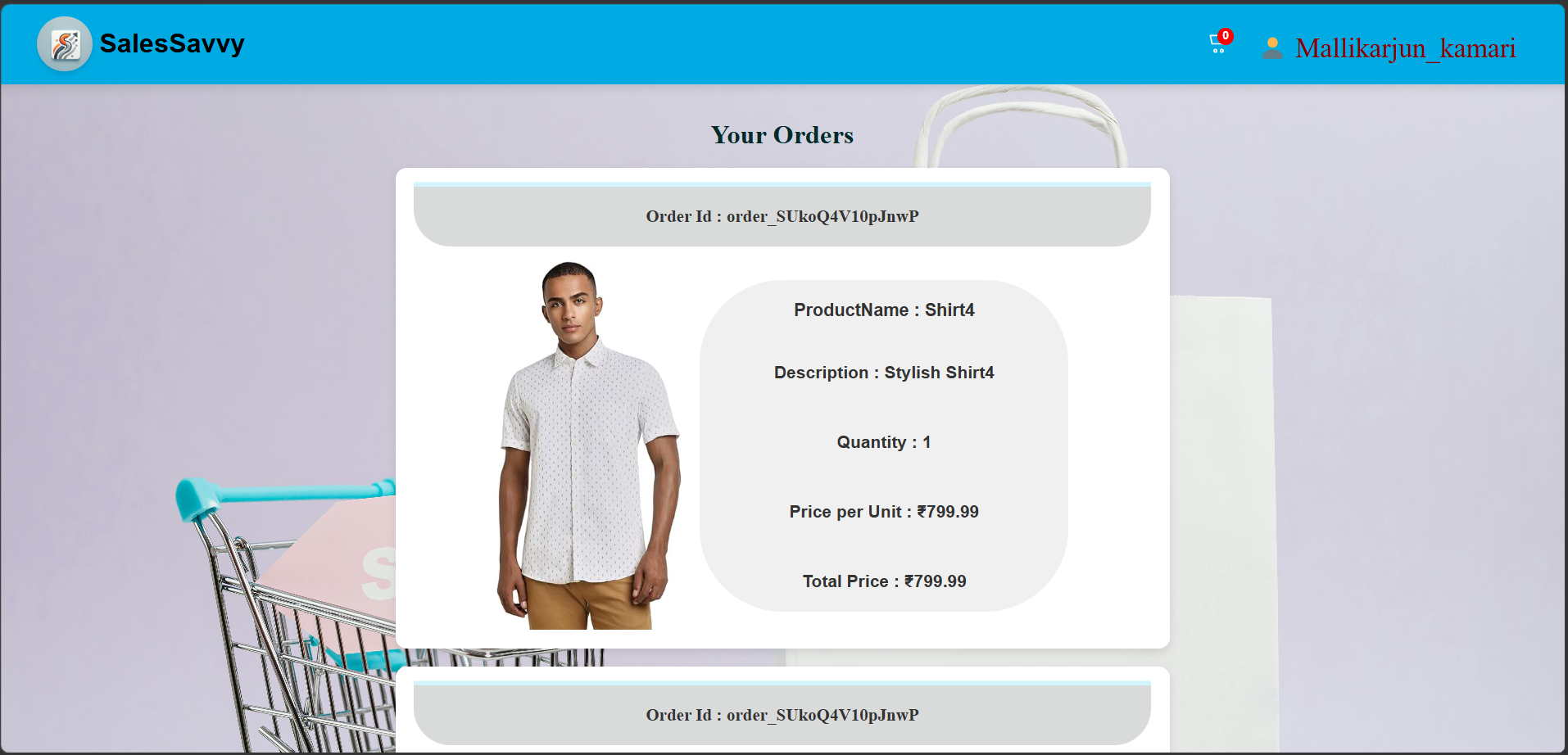
Orders Page: This page displays the user’s placed orders with detailed information for each purchase. It includes order ID, product image, product name, description, quantity, price per unit, and total price. The layout is designed in a clean card format, making it easy for users to review their order history. This page helps users track their purchases and provides a clear summary of completed transactions.